Upload a Video File
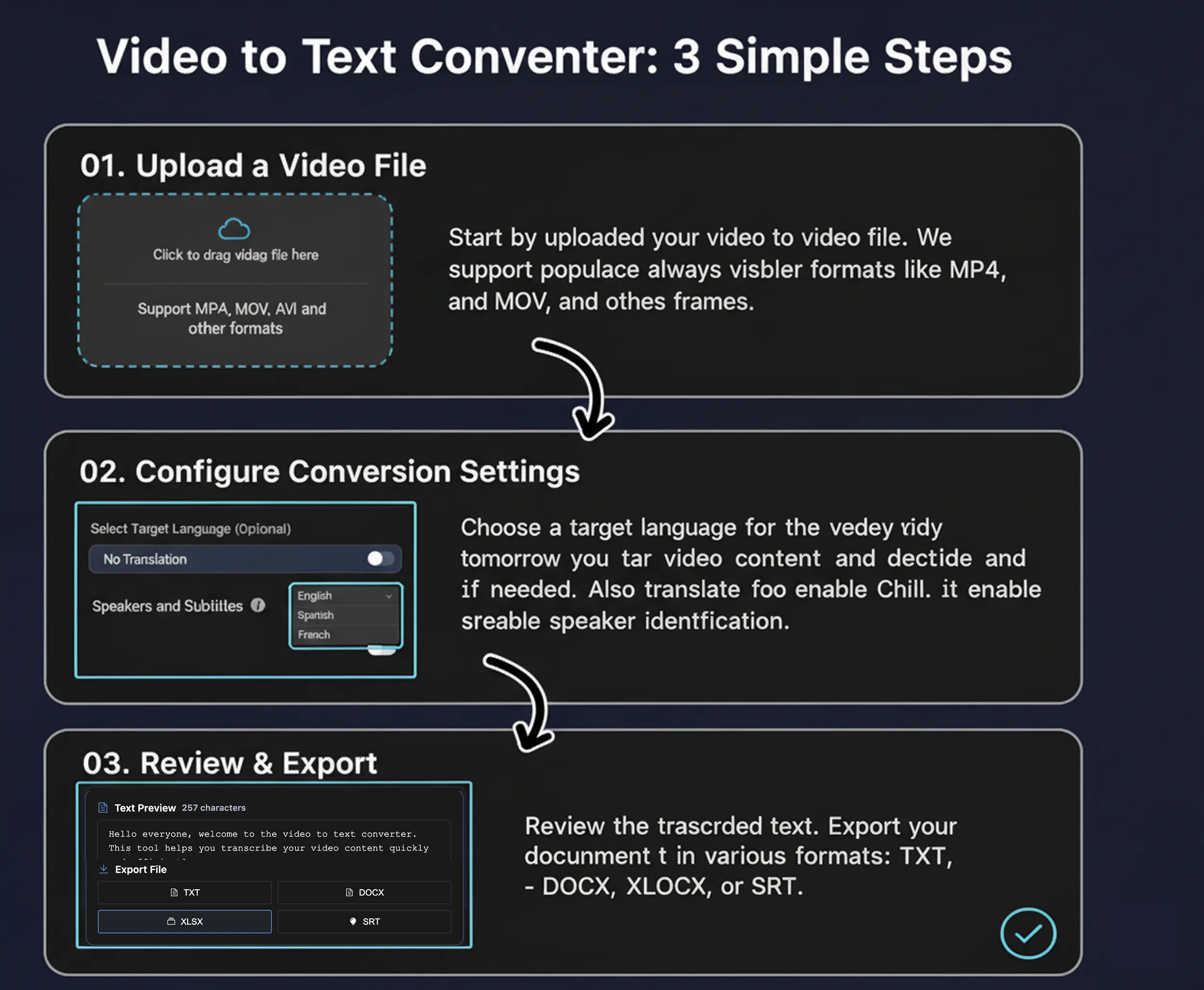
Start by uploading a video file from your device. Our AI Video to Text Converter supports MP4, MOV, AVI, and other common video formats.
Upload your video and let AI instantly convert its content into text format, with optional language translation and speaker identification features.
Click or drag video file here
Support MP4, MOV, AVI and other formats
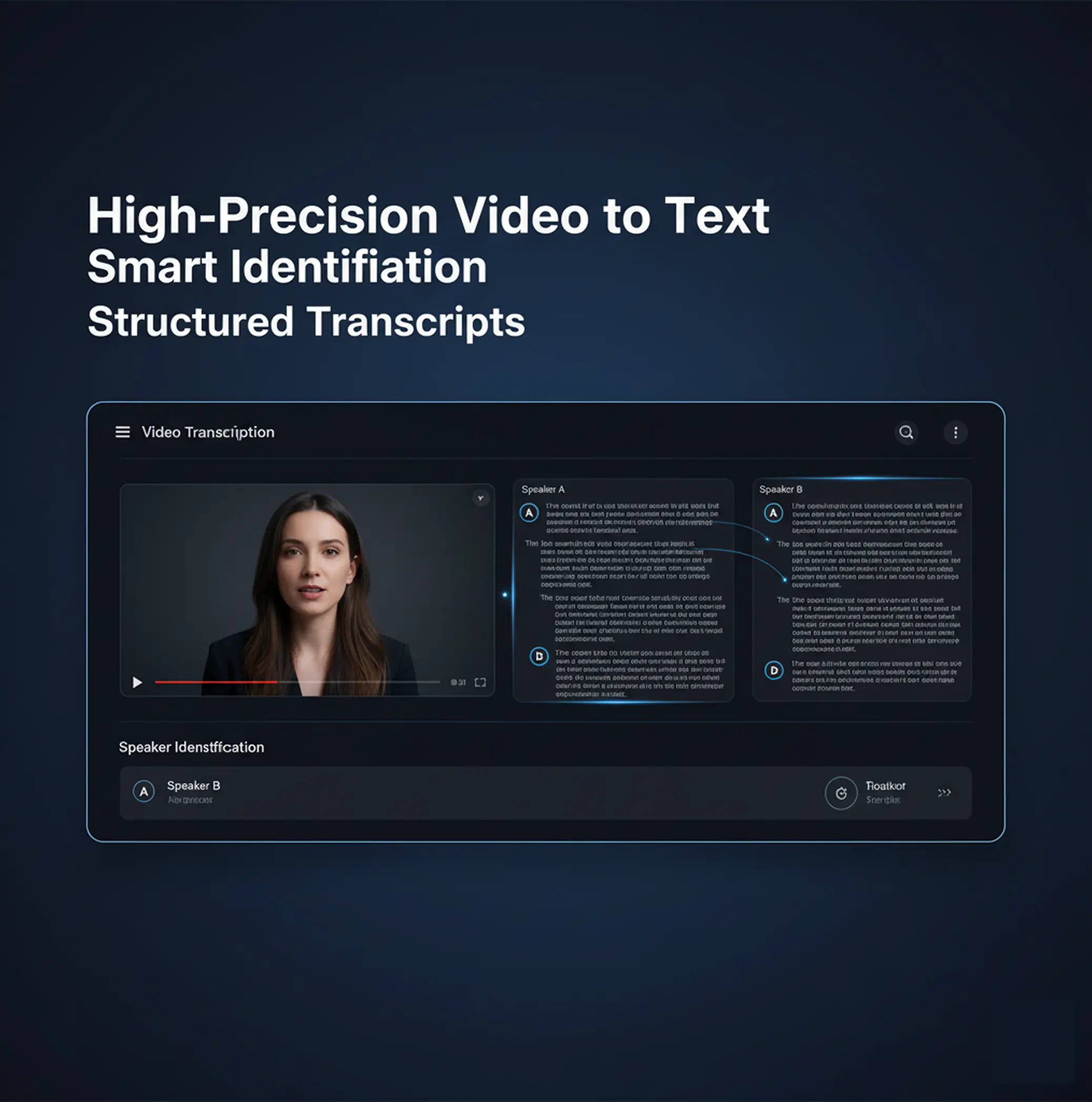
The AI Video to Text Converter offers high-precision transcription capabilities, accurately identifying dialogue in videos and converting it into structured text. It also supports speaker identification, automatically distinguishing between different speakers for clear and organized transcripts.
Whether you are a multilingual content creator, educator, or global brand — the AI Video to Text Converter ensures your video content is accurately presented in text form, maintaining professionalism.
Start by uploading a video file from your device. Our AI Video to Text Converter supports MP4, MOV, AVI, and other common video formats.
Next, choose your target language (if translation is needed) and specify whether to enable speaker identification. The AI Video to Text Converter will handle the rest.
After conversion, you can preview the generated text. Once satisfied, instantly export your video to text transcript in TXT, DOCX, XLSX, or SRT format.

The AI Video to Text Converter helps creators easily convert video content (e.g., interviews, tutorials, vlogs) into text for easy organization, analysis, and repurposing, expanding content reach.
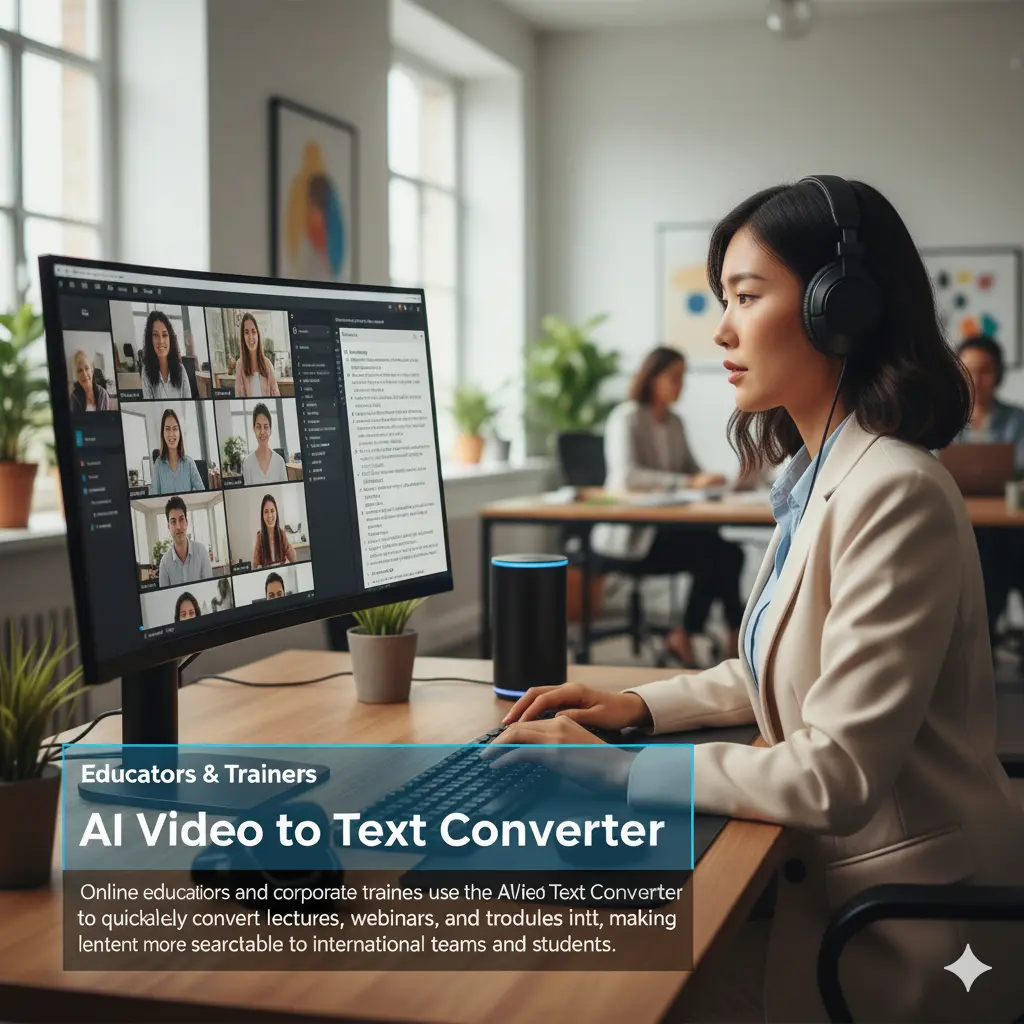
Online educators and corporate trainers use the AI Video to Text Converter to quickly and accurately convert lectures, webinars, and training modules into text, making learning content more searchable and distributable to international teams and students.

For businesses and marketers, the AI Video to Text Converter simplifies the text conversion of meeting minutes, market research videos, and promotional videos. Convert your video content to text for content analysis, SEO optimization, and cross-platform publishing.
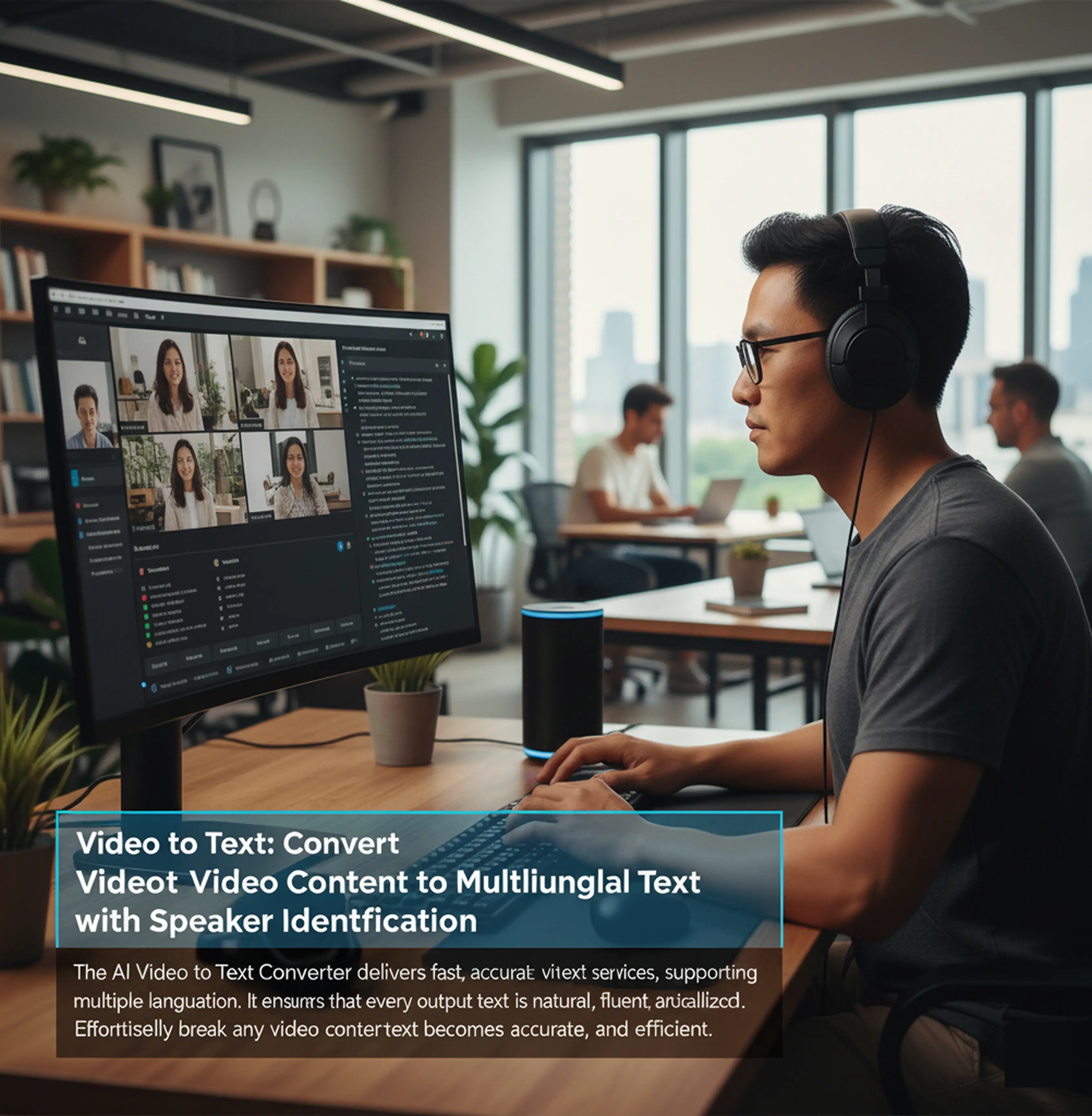
The AI Video to Text Converter delivers fast, accurate video to text services, supporting multiple languages and optional speaker identification. It ensures that every output text is natural, fluent, and localized.
Effortlessly break down communication barriers and expand your content's reach. With the AI Video to Text Converter, converting any video content to text becomes simple, accurate, and efficient.
The AI Video to Text Converter is an intelligent tool that transcribes your video content into text format, with optional language translation and speaker identification. It’s ideal for podcasts, educational videos, and meeting recordings.
Yes! The AI Video to Text Converter is completely free to use. There are no hidden fees, subscriptions, or limits.
The AI Video to Text Converter supports MP4, MOV, AVI, and other common video formats. You can choose to transcribe into multiple languages, including English, Spanish, Chinese, and more.
Yes, you can upload video directly from your device. Cloud or link-based imports (e.g., YouTube, Google Drive) are not yet supported but will be available soon.
The AI Video to Text Converter achieves over 95% transcription accuracy and uses advanced language models for precise text conversion results.
A one-minute video file typically takes one to two minutes to process, depending on your selected language and whether speaker identification is enabled.
If speaker identification is enabled, the system will automatically detect different speakers in the video and label them in the text.
Your video data is encrypted and processed securely. The AI Video to Text Converter follows strict data protection standards, including GDPR compliance.
You can reach our team 24/7 via email ([email protected]) or through our online help center.
Yes! After conversion, the generated text will be displayed in the preview area, and you can instantly export it in various formats.