
01
Podcasts and Video Shows
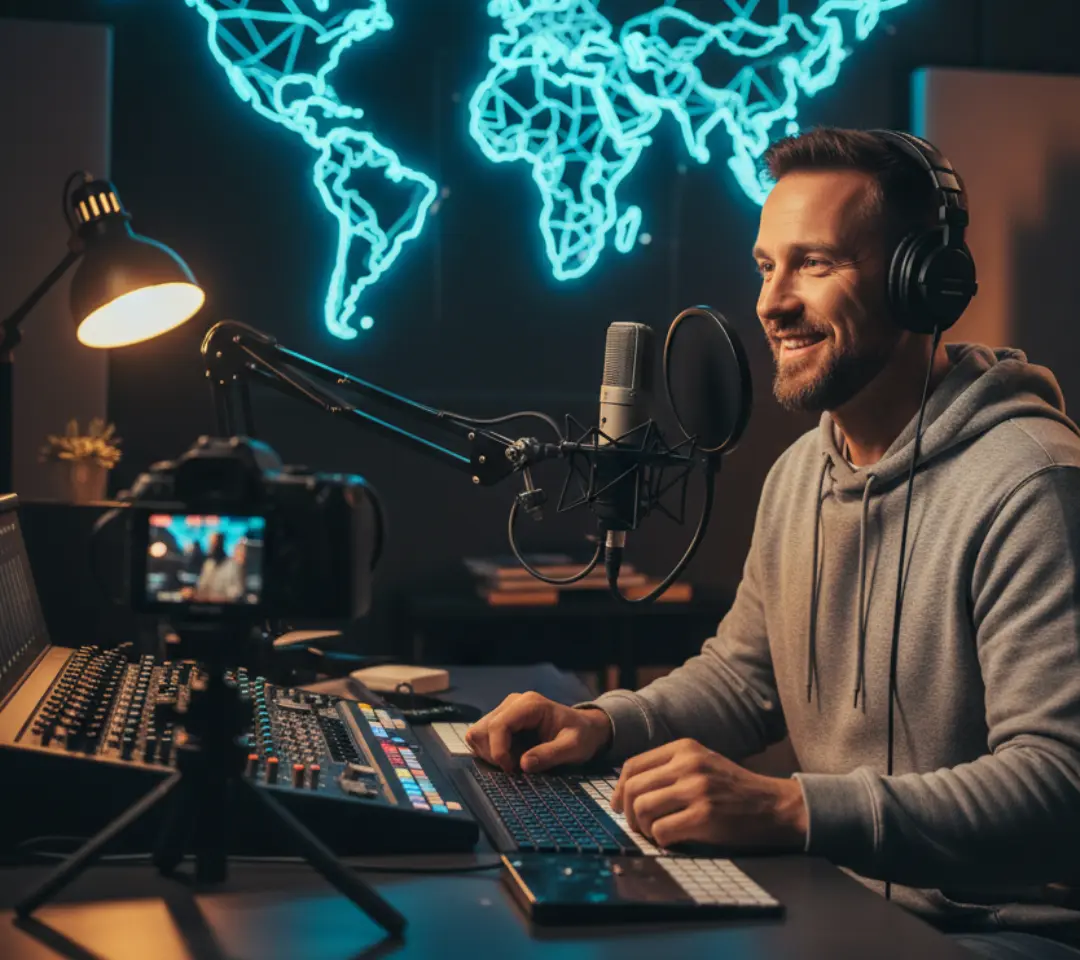
Adapt podcast episodes and shows for global audiences. Translate dialogue, produce voiceovers, and apply localization workflows without extra recording.
Use AI to translate your videos, generate localized audio, and prepare region-ready content efficiently. Video Localization helps creators reach international audiences seamlessly.
Upload video → Select language → Review subtitles → Export video
MP4, MOV, WebM & more · Up to 3 minutes
Adapt podcast episodes and shows for global audiences. Translate dialogue, produce voiceovers, and apply localization workflows without extra recording.

Enable worldwide access to courses with translated audio, subtitles, and clear voiceovers. Localization ensures students in different regions understand the content.

Internal training videos and presentations are localized efficiently, helping global teams receive consistent messages.
Adapt video content for multiple languages without switching tools.
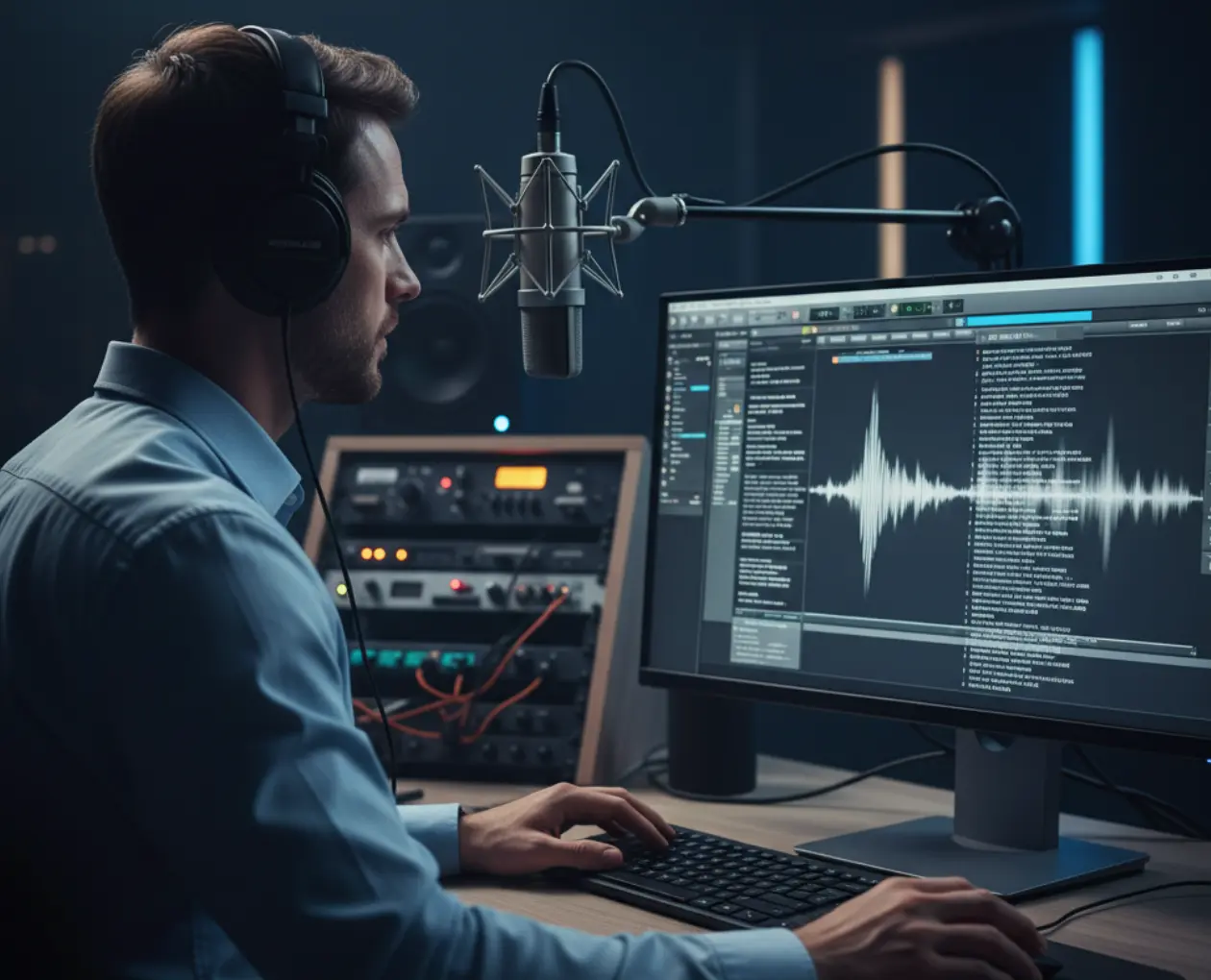
Reliable transcription turns spoken content into clear text, forming the base for translations and audio adaptation.
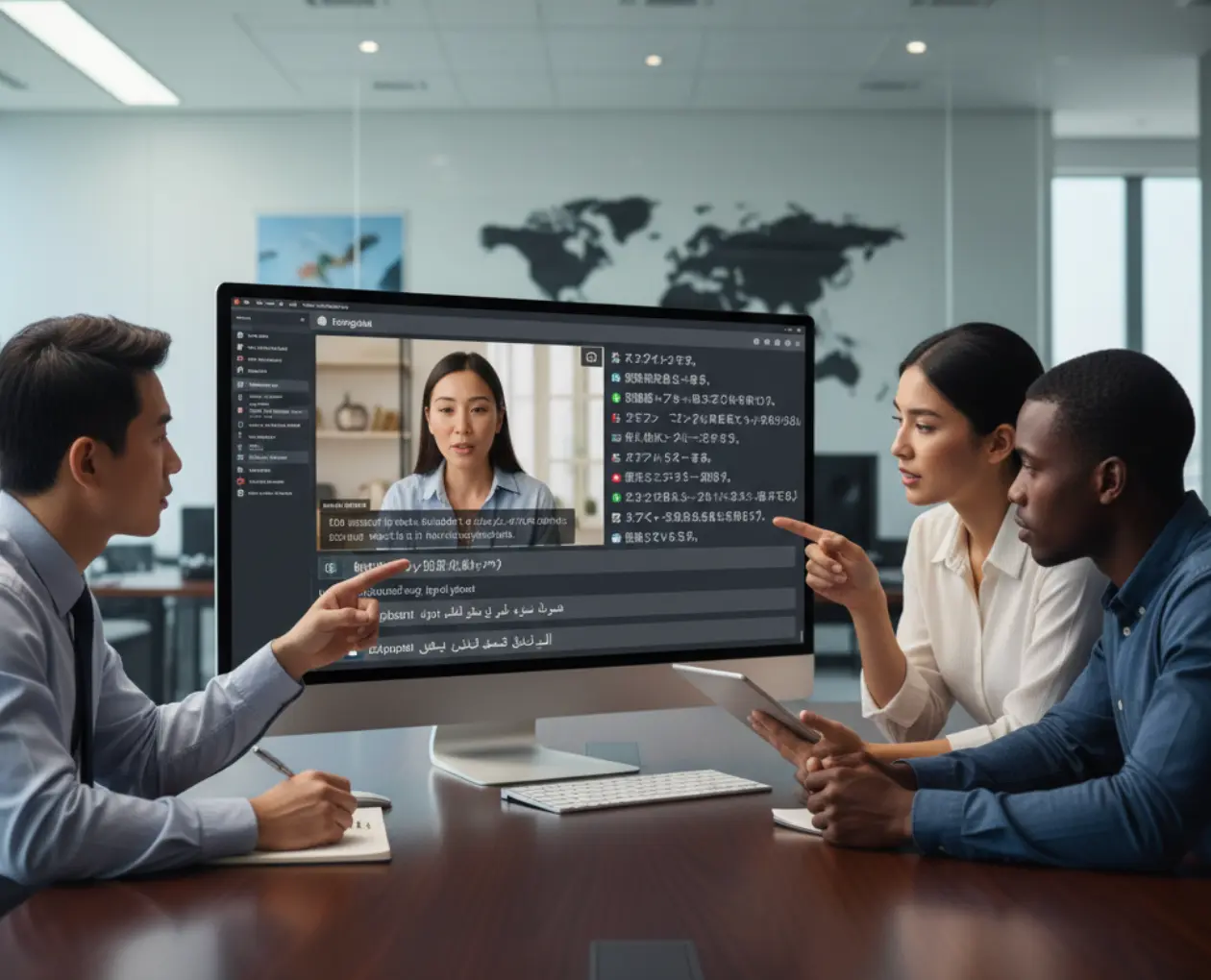
Convert dialogue into multiple languages while keeping timing intact. Subtitles and translated text remain aligned with the video naturally.
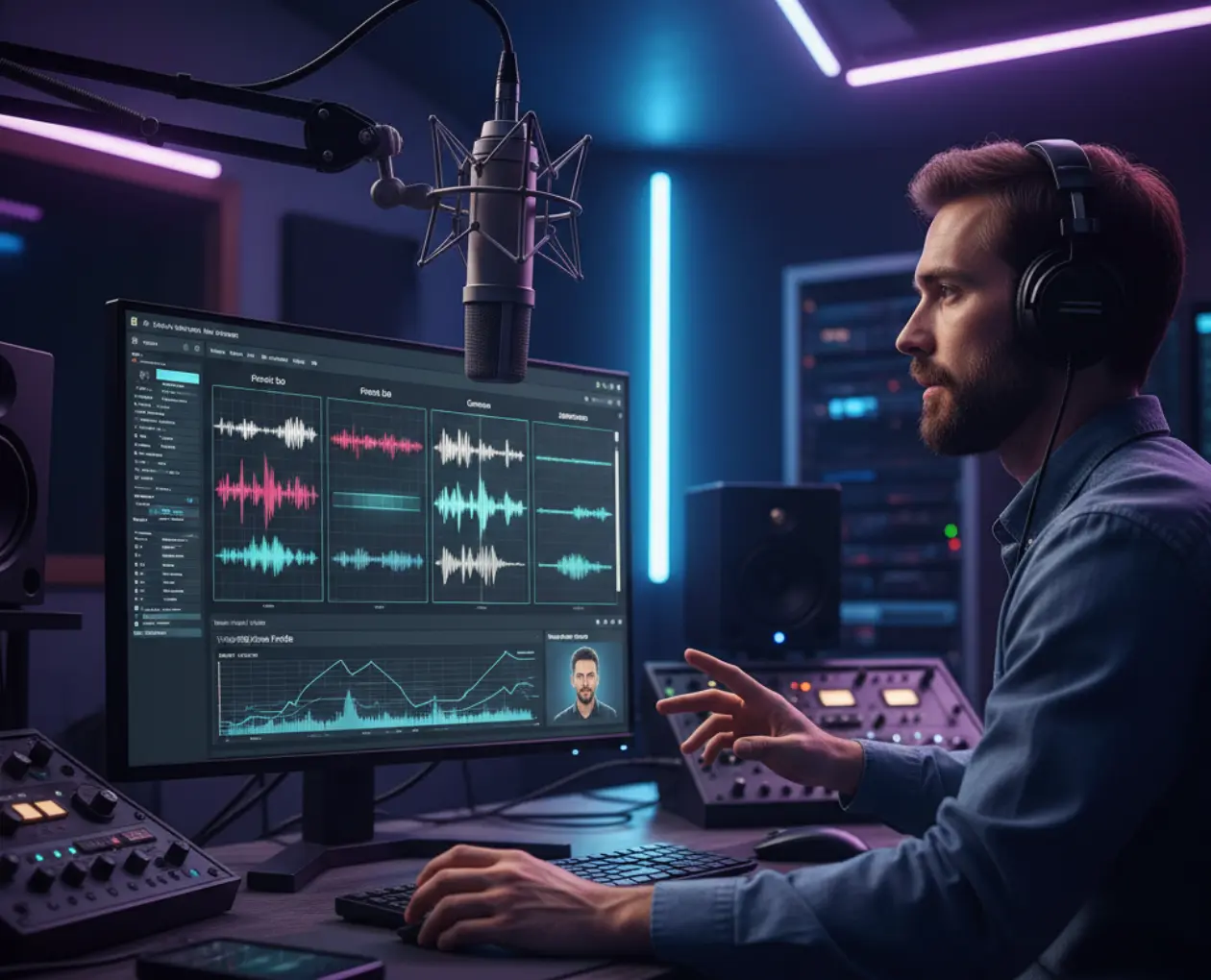
Create natural-sounding voiceovers using AI voices or cloned voices, ensuring consistent tone across multiple languages.
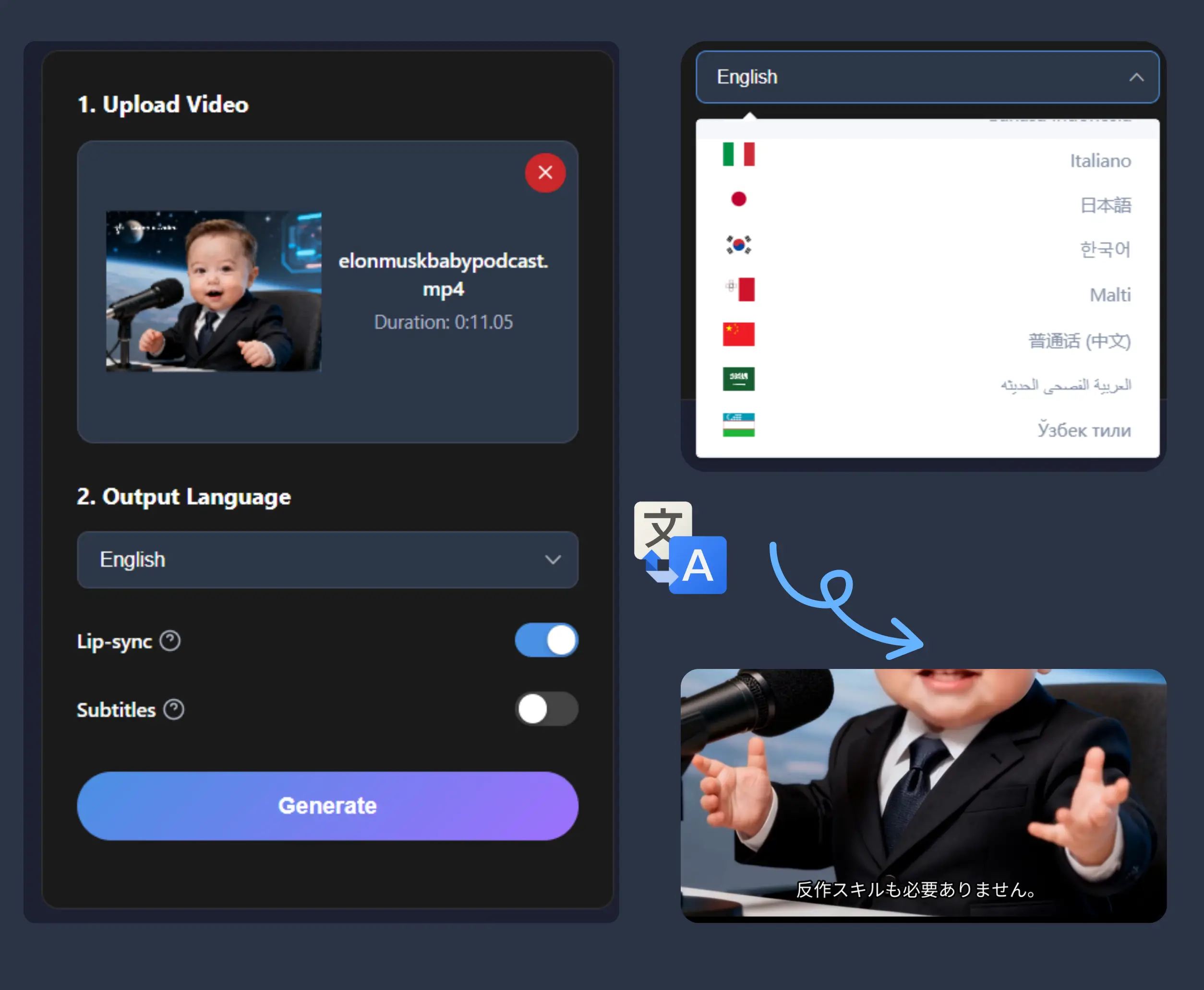
Upload your video file to start. The system prepares it for transcription, translation, and audio adaptation.
Choose target languages and voice options. The AI generates translated text and voiceovers automatically for each region.
Check the translated text and audio, make adjustments if needed, then export a ready-to-publish video.
Creators and organizations adapt video content efficiently for global audiences

Podcast Producer
Localization allows us to release multilingual podcast episodes effortlessly. Transcription, translation, and audio generation are all streamlined.

Content Creator
I can quickly adapt my content for multiple regions. Everything feels intuitive and fast, from translation to voiceovers.

Online Educator
Students benefit from localized content, with lessons available in different languages and readable transcripts.

Corporate Trainer
Global teams receive consistent training materials, thanks to streamlined localization workflows.

Media Manager
Having translation, voice dubbing, and subtitles in one place simplifies content distribution internationally.

Startup Founder
Small teams can enter international markets without costly localization services.
Video Localization converts video content into multiple languages with accurate transcription, translation, and audio adaptation.
Video Localization is free, with no hidden costs or subscriptions.
Most common video formats are supported.
Files can be uploaded directly, with more integrations planned.
Advanced AI ensures high-quality transcription, translation, and audio generation.
Most videos are processed within minutes, depending on length and target languages.
Multiple AI voices and voice cloning options are available.
All content is processed securely and kept private.
Support is available via help center and email.
Yes, voice cloning can be used for consistent audio style.